
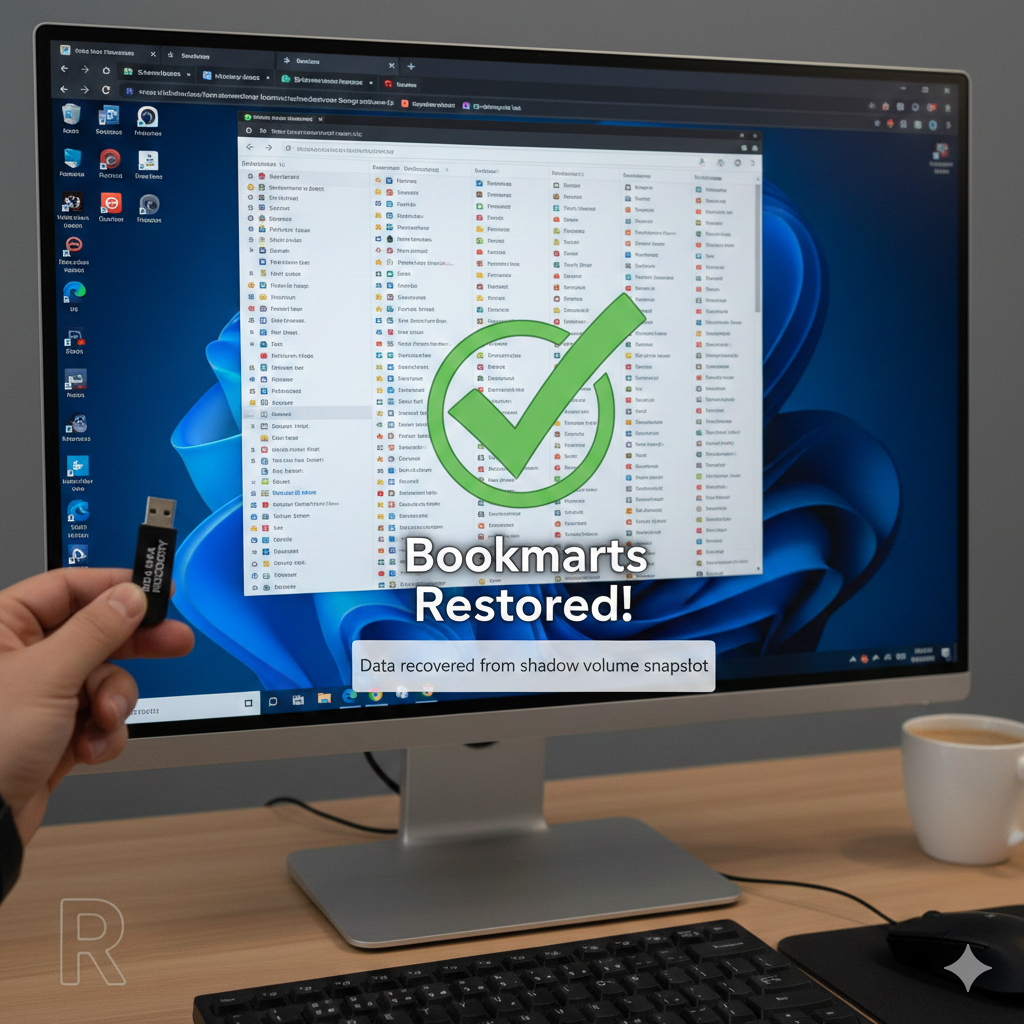
How to Recover Chrome Bookmarks After Reinstallation
A routine Chrome reinstall nearly turned into a disaster when a client’s hundreds of bookmarks vanished — no Google sync, no backup, no safety net. Instead of accepting the loss, I turned to Windows Shadow Volume copies and recovered the Chrome user data folder from a recent snapshot. Inside was the bookmarks JSON file. Minutes later, everything was restored. A reminder: even when data seems gone, the system may still be keeping quiet backups.
Helping a client the other day, I was forced to uninstall Google Chrome from a Windows 11 computer.
After rebooting, I reinstalled Chrome but tragically learned that the user hadn’t used a Google account to sync her bookmarks and settings. Hundreds of bookmarks were potentially lost.
After closing Chrome, I accessed the shadow volume and recovered the %appdata%\local\google\chrome\user data\default directory from the last snapshot (roughly an hour earlier).
In that recovered folder was a JSON file named Bookmarks. I copied it out and added it to the live folder, overwriting the existing version, and restarted Chrome.
All of her bookmarks were restored. The user was relieved!
R

Disaster Recovery Planning for Law Firms: Preparing for the Unexpected
Law firms in Vancouver, WA need a tested disaster recovery plan. Discover backup strategies, recovery timelines, and how local IT support keeps you ready.
In law, missing deadlines can mean lost cases, unhappy clients, and a dent in your firm’s reputation. That’s why it’s so important to think about what would happen if your technology failed you tomorrow.
For law firms in Vancouver, WA, having a tested Disaster Recovery Plan (DRP) isn’t just about checking a compliance box. It’s about making sure your practice can keep running no matter what curveballs come your way.
Why Disaster Recovery Matters
Disaster recovery isn’t only for volcanoes, tornadoes, or wildfires, although those are real risks here in the Pacific Northwest; Cascadia Subduction Zone, anyone? A “disaster” in IT terms can be as simple as a server crash, a ransomware attack, or even someone accidentally deleting the wrong folder.
The legal field is especially vulnerable because it involves critical, confidential data. If you lose it, or even lose access to it for a day, you could be facing more than inconvenience. You could be facing missed court filings, breached client trust, or compliance violations.
Backup Strategies That Work
The backbone of any disaster recovery plan is a solid data backup strategy. This isn’t just “copy your files to a USB drive once in a while.” We’re talking about:
Regular Automated Backups – Your data should back up daily (or more often) without you having to think about it.
Multiple Locations – Store backups both on-site for quick restores and off-site or in the cloud in case your office is compromised.
Encrypted Data – Keep backups encrypted so they’re protected even if the storage device falls into the wrong hands.
Tested Restores – A backup is only as good as your ability to restore it—test regularly to make sure it actually works.
Setting Realistic Recovery Timelines
Two key terms to know here:
RTO (Recovery Time Objective): How quickly you need to get your systems back online after a failure.
RPO (Recovery Point Objective): How much data you can afford to lose, measured in time since your last backup.
For most law firms, the answers are “ASAP” and “none,” but having specific targets in your plan helps your IT team design systems that meet those needs.
Just raising my hand here: Do you have automated, comprehensive data backups and a documented DRP with established RTO and RPO metrics? Yeah, I’m guessing you don’t, so you’re relying upon assumptions. You’re assuming the amount of time it takes to recover your operations; you’re assuming you’ll be able to restore everything; you’re assuming the priority of recovery operations; you’re assuming everything you need is being backed up; you’re assuming nothing will go wrong.
Let’s try to get away from assumptions.
Why Local IT Support Makes a Difference
Plenty of companies will sell you disaster recovery software, but implementation and testing are where the magic happens. A local IT support provider in Vancouver, WA, can tailor your plan to your practice, ensure it meets Washington State data privacy rules, and physically be on-site to troubleshoot if the worst happens.
They’ll also help you run simulated recovery drills, so when something does go wrong, you’re not scrambling; you’re following a plan that works.
Think About IT
A DRP is like insurance for your law firm’s data and operations. You hope you never need it, but if you do, it could save your cases, your clients, and your reputation.
If your law firm doesn’t have a tested plan in place, now’s the time. With the right IT support, you can turn “What if?” into “We’re ready.” Let’s get to it.
R

The Role of Cloud Solutions in Modern Law Practices
How can law firms in Vancouver, WA use secure cloud solutions and client portals for case management, remote depositions, and collaboration? Seek help from Mickler & Associates, Inc. — trusted local IT support.
Law has always been about managing information: gathering it, organizing it, protecting it, and presenting it at just the right moment. In today’s legal world, a growing chunk of that work happens in the cloud, and for law firms in Vancouver, WA, embracing cloud solutions isn’t just a nice tech upgrade — it’s becoming the standard for efficiency, flexibility, and client service.
But “the cloud” isn’t one-size-fits-all, and moving sensitive legal work into cloud environments comes with both opportunities and risks. The right local IT support can help you navigate both.
Secure Cloud-Based Case Management
Remember the days when case files meant endless stacks of paper, sticky notes, and cabinets full of mystery folders? Cloud-based case management systems like Clio, MyCase, or PracticePanther have changed all that. With these platforms, your case documents, deadlines, and communications live in a secure, searchable digital hub accessible from anywhere.
For law firms, that means less time hunting for files and more time focusing on clients. But security is key, especially with sensitive client information. Local IT support can ensure your case management system is properly configured, encrypted, and integrated with your other tools while meeting state and ABA confidentiality requirements.
Remote Depositions and Hearings
The pandemic accelerated the adoption of remote legal proceedings, and they’re not going away. From depositions to mediations, cloud-based video platforms make it possible to participate without the travel time.
However, not all video conferencing tools are created equal. For legal proceedings, you need end-to-end encryption, reliable performance, and compliance with privacy regulations. Your IT team can vet platforms, manage accounts, and ensure your audio and video setups work flawlessly — because in law, a frozen screen at the wrong moment can be more than just awkward.
Collaboration Without Boundaries
I’ve always thought of Law as a team sport. Whether you’re collaborating with associates in another city, co-counsel across the state, or expert witnesses halfway around the world, cloud tools make it possible to share documents, track changes, and communicate in real-time.
From Microsoft 365 and SharePoint to secure file transfer solutions, the cloud opens doors to faster, more efficient teamwork. Local IT support can help set permissions, track file access, and ensure collaboration tools meet Washington State’s data privacy standards so you can work together without exposing sensitive information.
Why Local IT Support Matters
Yes, you could sign up for cloud services on your own, but for a law firm, the stakes are pretty high for trial-and-error. Local IT support doesn’t just plug you into the cloud. Meeting with you, we can tailor it to your workflows, secure it against cyber threats, and keep you compliant with Washington State laws and ABA rules. And when issues come up, we can be on-site quickly to keep your work moving.
Cloud solutions give law firms the flexibility, security, and efficiency they need to thrive in a fast-changing legal landscape. With the right IT partner, you can harness the power of the cloud without sacrificing compliance or client trust.
Need help? I know just the guy.
R