
Tap to Pay Scams: What Small Businesses Should Know
Tap-to-pay is fast and generally secure, but scammers can exploit rushed or unclear transactions. Learn five practical ways to protect company funds, help employees recognize tap-to-pay scams, and respond quickly when a charge looks suspicious.
The other day I was speaking to a project manager at a small Vancouver, WA. He’d stopped at a community fundraiser after work. A volunteer asked for a $20 donation by tap-to-pay, then offered to “help” when the payment seemed slow. The manager handed over the phone and later discovered a $200 charge.
Tap-to-pay is generally a secure way to make purchases. The real danger is often not the payment technology itself, but a scammer using urgency, distraction, or trust to hide the amount being charged. As USA Today reported, a few simple habits can protect your money.
Why Tap-to-Pay Scams Matter to Businesses
Small companies make payments constantly: fuel, materials, meals, travel, office supplies, and vendor charges. If several employees carry company cards or use mobile wallets, one careless transaction can become an accounting headache, or a significant financial loss. These scams can also affect businesses that accept contactless payments. Customers expect a clear total, a recognizable business name, and a receipt. A sloppy payment process may look suspicious even when it is legitimate.
How to Use Tap-to-Pay Safely
Confirm the amount before tapping
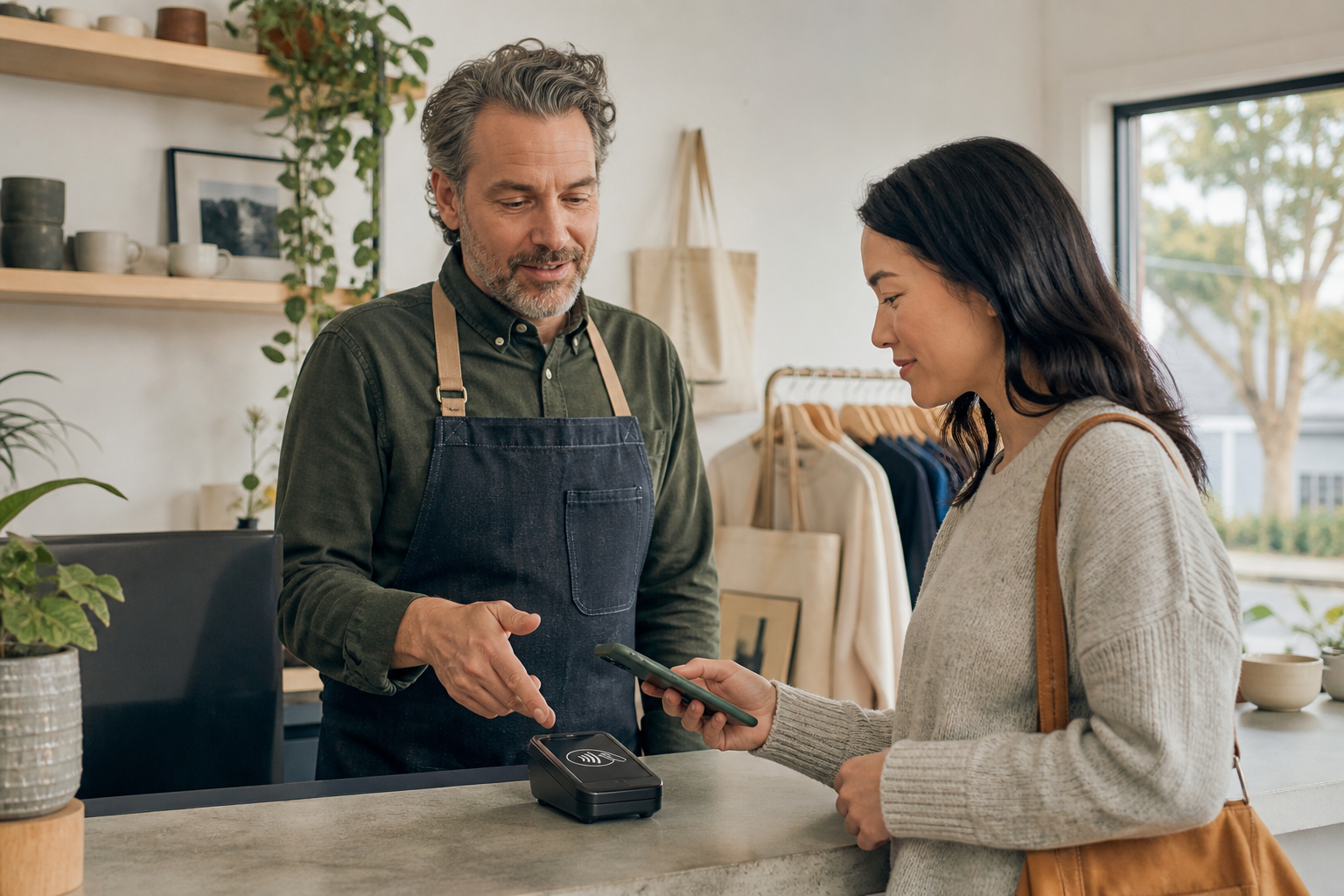
Never approve a payment until the amount and merchant name are visible. A legitimate seller should have no problem showing you the full transaction before asking for payment. Pay special attention when making donations, buying from temporary vendors, or paying someone who is using a phone instead of a familiar checkout terminal. A scammer may enter $200 instead of $20 and hope you do not notice. If the screen is hidden, the amount changes unexpectedly, or someone tries to rush you, stop the transaction and use another payment method.
Keep control of your phone and card
Do not hand an unlocked phone or company card to a stranger. Once someone has your device, even briefly, they may be able to change the charge, approve another action, or view information that was not intended for them. Employees should hold their own phones and bring them to the payment reader themselves. If the terminal is difficult to reach, ask the seller to move it closer or cancel the purchase. The same rule applies to company cards: keep the card in sight and do not let someone take it into another room or vehicle to process a payment.
Turn on transaction alerts
Configure company cards and banking apps to send an immediate notification for every purchase. Do not limit alerts only to large transactions, because scammers sometimes begin with a small test charge to see whether an account is active. Employees should know who to contact if an alert does not match the purchase they just made. A quick phone call to the office manager or card issuer can prevent additional charges. Alerts also make expense reporting easier because employees can confirm the merchant and amount while the transaction is still fresh.
Use company cards carefully
Give payment access only to employees who genuinely need it. Set spending limits that reflect each employee’s normal responsibilities rather than providing everyone with the same purchasing authority. Create a short written policy explaining where company cards may be used, whether mobile wallets are allowed, and which receipts must be retained. Review charges frequently instead of waiting for the monthly statement. These controls are not about distrusting employees; they help honest staff recognize unusual activity and respond consistently.
Act quickly after a suspicious charge
Contact the card issuer immediately if a tap-to-pay transaction looks wrong. Ask the issuer to lock or cancel the affected card, dispute the charge, and check for other recent activity. Save the receipt, transaction alert, merchant information, location, and approximate time of the incident. If a company phone may have been accessed, change relevant passwords and ask your IT provider to check the device. Fast reporting can limit further losses and gives the bank, police, or other investigators better information to work with.
Small Habits Prevent Expensive Problems
That Vancouver project manager could not undo the awkward encounter, but the company changed its payment policy afterward. Employees at the firm now confirm every total, keep their phones in hand, and receive instant purchase alerts.
Good security practices usually look like this: clear expectations, simple safeguards, and employees who feel comfortable stopping when something seems off.
If your business is in Vancouver, WA, or Portland, OR, Mickler & Associates, Inc. can help strengthen its cybersecurity, Microsoft 365 environment, cloud services, and everyday IT practices. Contact us for a friendly conversation about making technology safer and easier to manage.
R

Business Email Scams Are Targeting Contractors More Than Ever
Business email scams increasingly target contractors. Learn practical ways Vancouver and Portland businesses can protect payments, email, and company data.
Okay, let’s paint this familiar picture.
A small contractor gets an email late Friday afternoon. It appears to be from a regular supplier and references an outstanding invoice. It says their banking information has changed. Suspecting everything is ‘business-as-usual,’ the office manager updates the payment information and sends $8,700 to the new account.
And on Monday, the real supplier calls asking about the overdue invoice.
Uh-oh.
Yeah, unfortunately, scenarios like this are becoming increasingly common. Business email scams are especially dangerous for contractors because construction and service businesses routinely exchange invoices, estimates, payment instructions, schedules, and documents by email. Further, routinely paying these suppliers and clearing that email from an inbox is the everyday, routine behavior of an AP Manager or office manager — they’re almost working on autopilot — and criminals know that, and they’re keen to take advantage of it.
Why Contractors Make Attractive Targets
Contractors often have money moving in several directions at once. Customers pay deposits. Subcontractors submit invoices. Vendors want payment. Office staff may be coordinating all of it while answering phones and scheduling crews.
An attacker doesn’t necessarily need to hack your accounting system. They don’t even need a lot of sophisticated spyware to figure out your bank accounts. They simply need to impersonate someone your staff already trusts. They just have to appear as routine.
A convincing email might claim to come from the owner asking for an urgent payment, a vendor announcing new banking information, or a customer requesting a refund to a different account. And the hacker is taking advantage of all of that chaos.
How to Protect Your Business
Verify payment changes another way. If a vendor emails new banking or payment instructions, call them using a phone number you already have. Never rely on the phone number included in the suspicious email.
Require a second set of eyes. Consider requiring two people to approve payments above a certain dollar amount. This simple procedure can stop an expensive mistake before money leaves the bank.
Protect your email accounts. Every employee should use multi-factor authentication, particularly anyone handling invoices, payroll, banking, or administrative work. A stolen password should not be enough to access your company email.
Teach employees to recognize unusual requests. Staff don't need extensive cybersecurity training or a degree in information systems security. They do need permission to question an email that feels unusual, rushed, or financially sensitive—even when it appears to come from the boss.
Good Email Security Protects More Than Email
Preventing business email scams isn't just about avoiding fraudulent payments. A compromised mailbox can expose customer information, contracts, employee records, invoices, and years of correspondence.
For a small contractor, one successful scam can mean thousands of dollars lost, damaged vendor relationships, and days spent figuring out what happened.
That hypothetical contractor who lost $8,700 could have stopped the entire incident with one phone call.
The goal isn't to make your business harder to operate. It's to put a few sensible safeguards between a convincing email and your bank account.
If you operate a small business or contracting company in Vancouver, WA or Portland, OR, Mickler & Associates, Inc. can help review your email security, Microsoft 365 environment, cybersecurity practices, cloud services, and overall IT setup. Contact us when you'd like a practical second opinion.
R

Defending Against Social Engineering Attacks
Is your small business safe from social engineering? Cybercriminals frequently bypass complex firewalls by targeting your employees instead. To protect your business from costly manipulation tactics, implement this practical, four-step playbook designed to help your team recognize the signs, protect critical data, verify unusual requests, and report threats immediately.
Small business owners and managers are highly sought-after targets. You’ve got access to your company’s most valuable assets: financial accounts, proprietary data, and employee information. Cybercriminals know this, and instead of hacking your firewall — which is technically difficult — they often try to "hack" your people through social engineering.
Protecting your business requires a practical, structured approach to spot and stop these manipulative tactics. Use this four-step playbook to train your team and secure your operations.
Step 1: Recognize the Signs
Social engineering relies on deception, but attackers almost always leave clues. Train your team to look out for:
Urgency: Demands for immediate action or threats of severe consequences (e.g., "Pay this invoice now or your service will be terminated").
High-Value Requests: Sudden solicitations for sensitive credentials, employee tax forms, or wire transfers.
Odd Anomalies: Unexpected or out-of-character emails from known vendors, clients, or even executive leadership.
Step 2: Protect Personal & Business Information
Attackers research your company online to make their scams look authentic. Implement a strict "need-to-know" culture. Employees should never share financial data or passwords over email or phone. Additionally, caution your staff about oversharing operational details on social media, as bad actors use these details to craft highly targeted phishing lures.
Step 3: Verify Before Trusting
Never take a high-stakes digital communication at face value. If an email looks suspicious — or requests an unusual financial transaction — verify the sender’s identity using an alternative, trusted channel. Call the client or vendor using a phone number you already have on file, not the number listed in the suspicious email. Check carefully for misspellings, slightly altered domain names, or incorrect logos.
Step 4: Report and Alert
If an employee spots a threat, train them to act immediately. Establish a clear internal protocol: gather all information about the incident, report it to your IT support team right away, and alert colleagues so they don't fall for the same scam.
Don’t have an IT support team? I’m just a click away.
R